
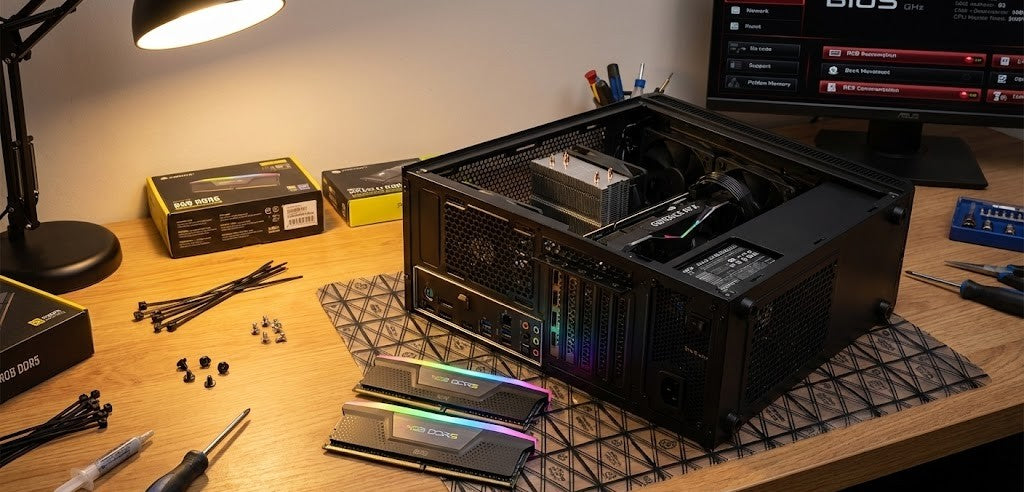
RAM prices is crazy, yo
Introducing Brutech ZeroRAM
You bring the RAM; we do the rest
Introducing Brutech ZeroRAM Prebuilts: Built for Performance, Ready for Your Perfect Memory Setup
At Brutech, we know that no two PC users are the same. Some want maximum gaming performance, others need powerful workstations for content creation, and many already have trusted components they’d rather keep using.
That’s exactly why we created the Brutech ZeroRAM Prebuilt Range.
These systems are professionally built, tested, and performance-optimized, but with one important difference: they come without pre-installed RAM, giving you complete freedom to choose the memory setup that works best for you.
Whether you're upgrading existing components, planning a custom high-performance build, or simply want more flexibility, Brutech ZeroRAM Prebuilts are designed to put control back in your hands.
Bring your own memory
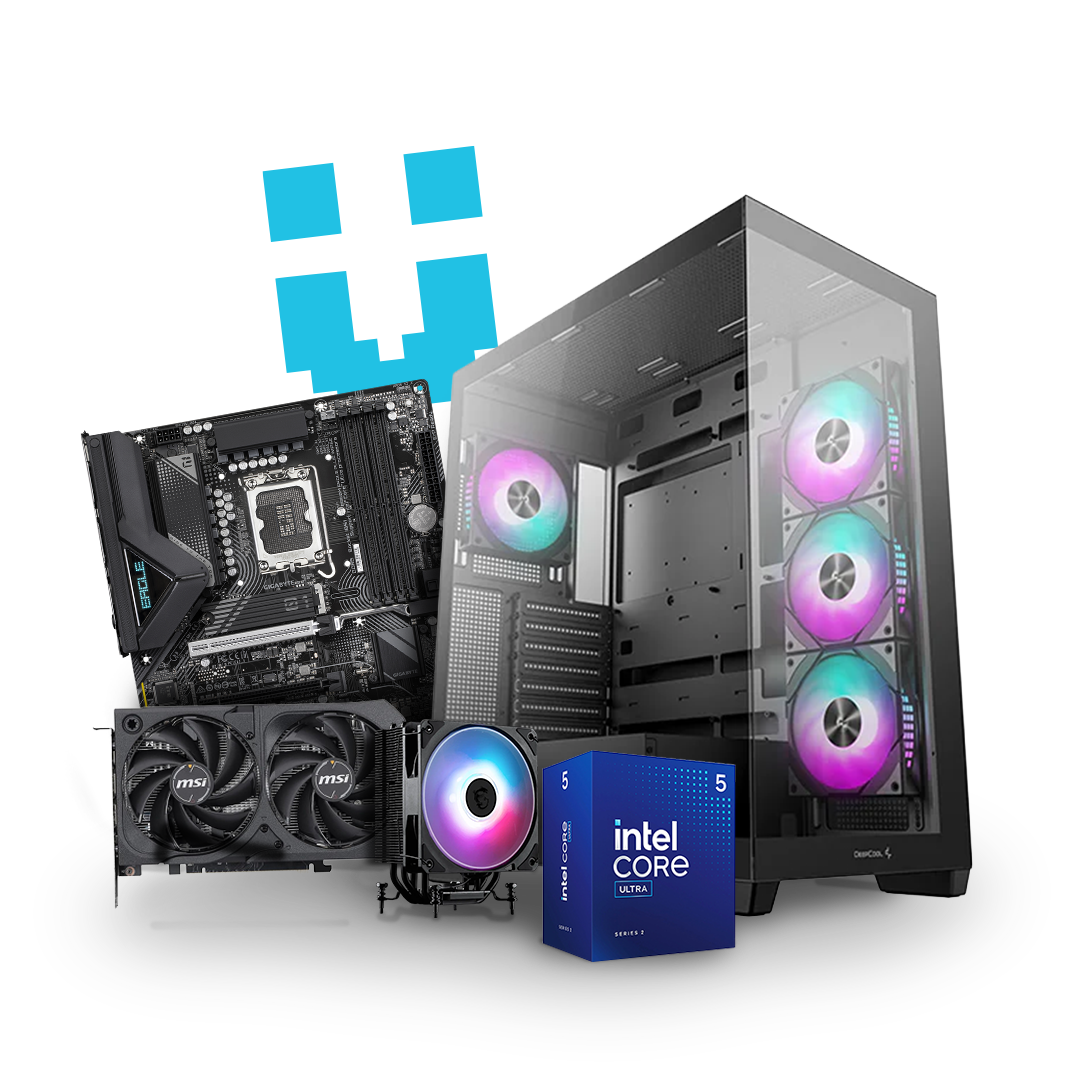
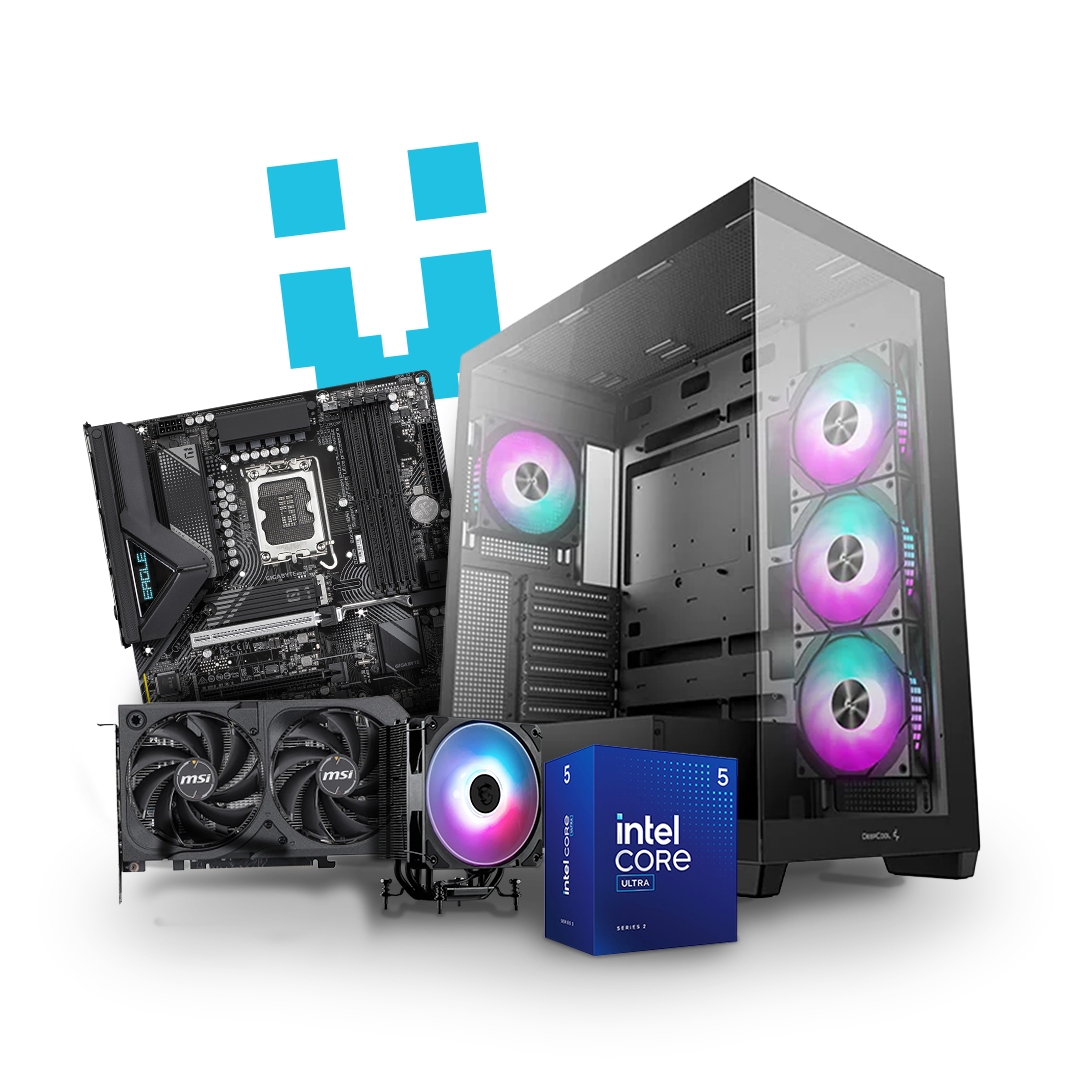
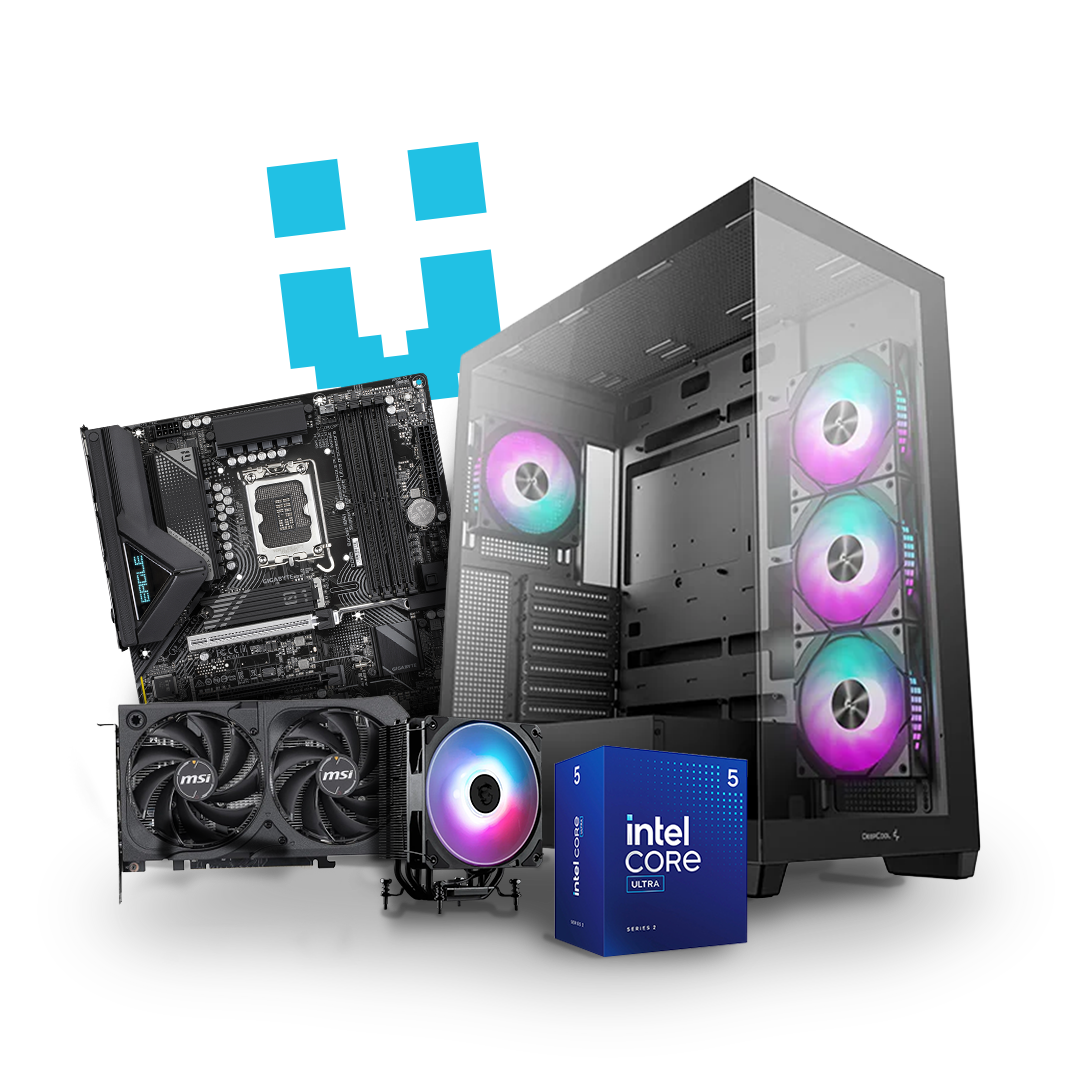
Brutech ZeroRAM
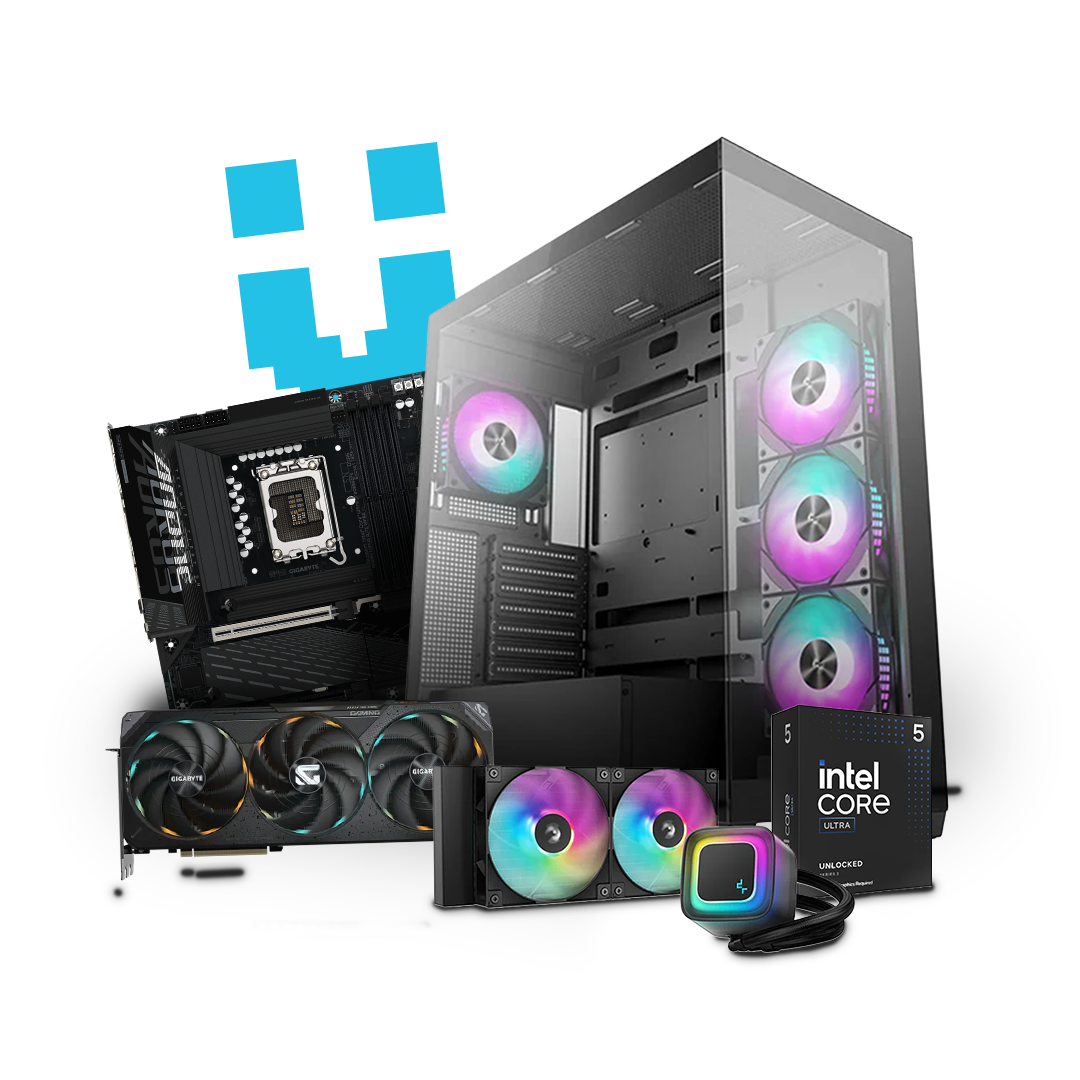
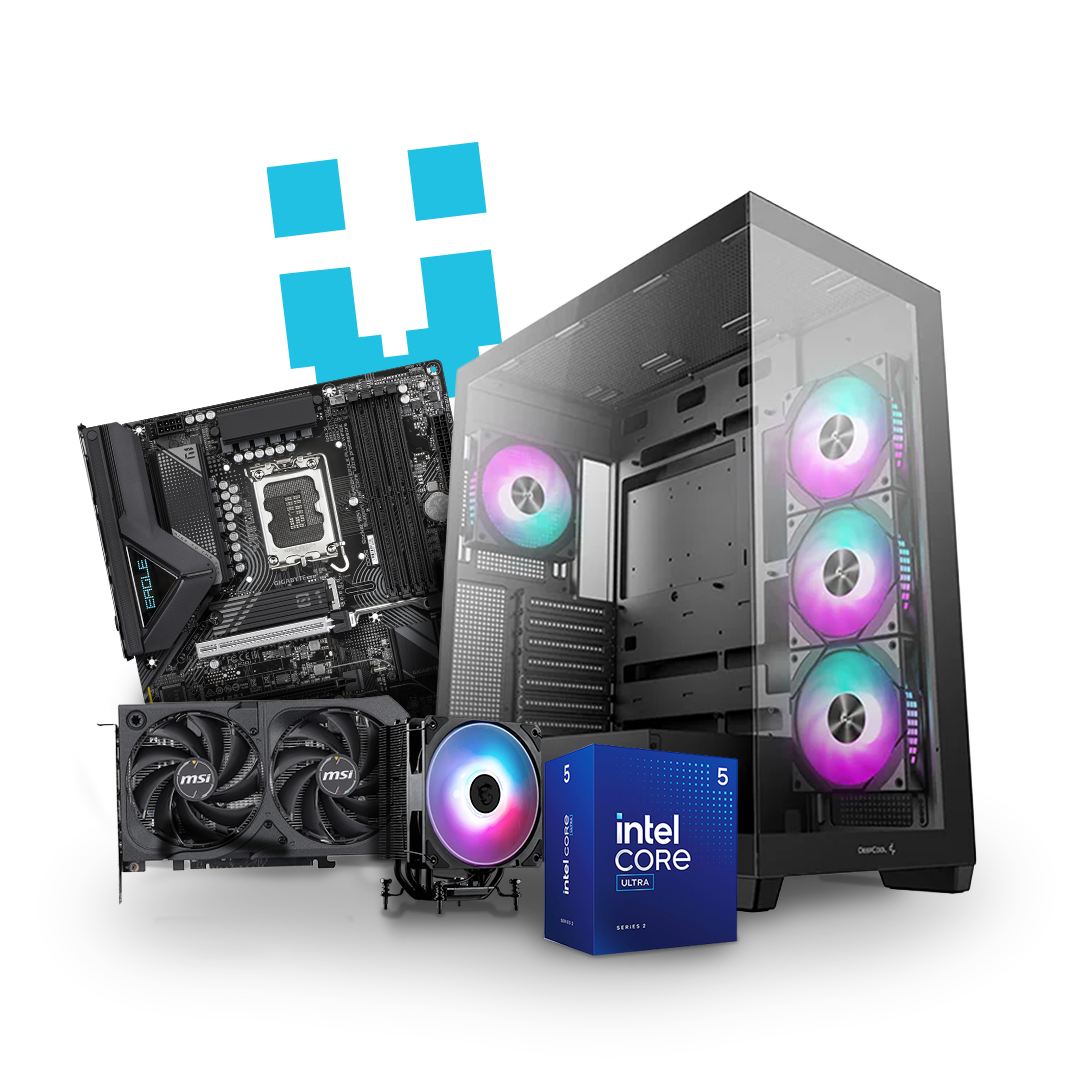
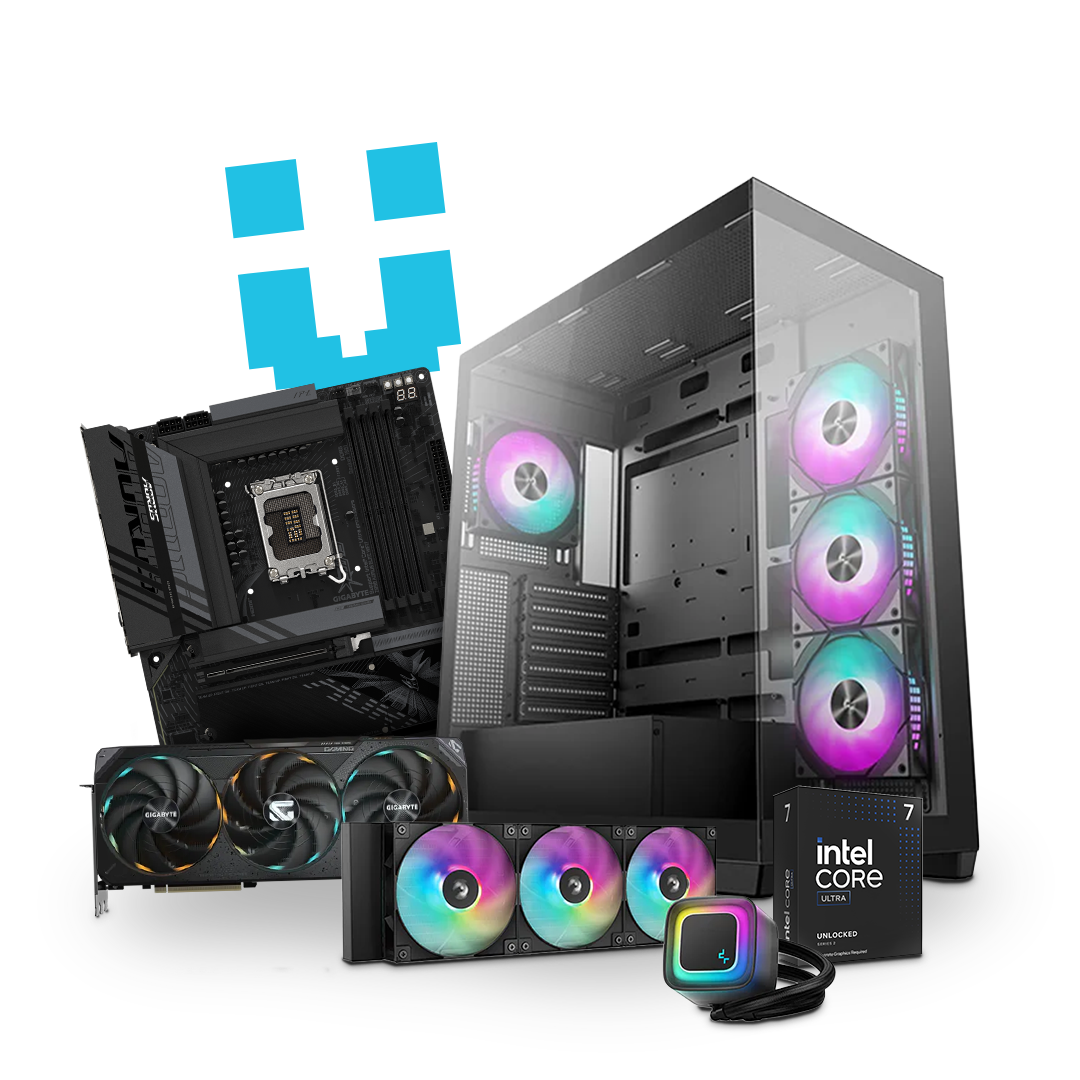
About
What Is a ZeroRAM Prebuilt?
A ZeroRAM Prebuilt is exactly what it sounds like, a fully assembled prebuilt PC that excludes system memory (RAM).
Instead of paying for RAM you may want to replace later, you can install your preferred memory kit from the start.
Shipping Made Simple
Already have RAM? Send it to us, or ship it directly from your online order, and we’ll handle the installation.
Save More
Avoid paying for RAM twice. Bring your own compatible DDR5 memory and reduce your overall system cost.
Flexible Compatibility
New, used, pulled from another build, or bought from retail, as long as it’s compatible DDR5, we can work with it.
Performance Optimized
We configure and tune your RAM for the best possible performance and system stability.
Multiple Kits Welcome
Got more than one kit? Send them all, we’ll test them and install the best-performing option.
Warranty Support
If we find issues and your RAM is under manufacturer warranty, we’ll help guide you through the claim process.
Basic Compatibility Guide
Bringing your own RAM is simple, as long as it’s compatible with your new system. Use the checklist below to quickly see if your existing memory kit is likely to work with your Brutech ZeroRAM Prebuilt.
Basic Compatibility Guide
Step 1
Match the DDR generation
The most important compatibility factor is your RAM generation. It must match the motherboard platform.
All current Brutech systems are built exclusively for DDR5 memory, which means older DDR3 and DDR4 kits are not compatible with our latest builds.
Step 2
Confirm the memory type
Your RAM must also match the correct module type for your system.
- AMD Ryzen and Intel Core Ultra gaming PCs use UDIMM (Unbuffered DIMM)
- Workstations with AMD Threadripper or Intel Xeon CPUs often require RDIMM (Registered DIMM)
- Laptops use SODIMM (Small Outline DIMM)
Laptop memory cannot be used in desktop systems, and RDIMM and UDIMM are not interchangeable.
Step 3
Matching Kits Deliver Better Performance
Most modern systems perform best with two matching RAM sticks running in dual-channel mode.
Common recommended configurations include:
- 32GB (2 x 16GB)
- 64GB (2 x 32GB)
- 128GB (2 x 64GB)
Mixed-capacity sticks are not supported, so a matched kit is required. Single-stick setups may work, but performance can be lower compared to a proper dual-channel configuration.
Non-binary kits like 48GB (2 x 24GB) and 96GB (2 x 48GB) are often supported, but may require extra compatibility checks.
Step 4
Stability Depends on the Full System
Even with the correct DDR generation and module type, stability depends on the complete hardware combination, including the motherboard, CPU, memory controller, speed, and total capacity.
- Very high-speed kits may require tuning for stability
- Four-stick configurations can be more difficult to optimize
- Used RAM can work perfectly well, but proper testing is important
If there’s any uncertainty, our support team is always available to help before you send your kit.
Step 5
Packaging and Sending Your RAM
To keep your memory safe during shipping:
- Send all modules together in the same prepaid envelope
- Keep sticks protected in anti-static packaging and the included clamshell tray
- You’re welcome to send multiple kits
We’ll test everything and install the best-performing option for your build. Any unused RAM will be safely returned with your completed PC.
Match the DDR generation
The most important compatibility factor is your RAM generation. It must match the motherboard platform.
All current Brutech systems are built exclusively for DDR5 memory, which means older DDR3 and DDR4 kits are not compatible with our latest builds.
Confirm the memory type
Your RAM must also match the correct module type for your system.
- AMD Ryzen and Intel Core Ultra gaming PCs use UDIMM (Unbuffered DIMM)
- Workstations with AMD Threadripper or Intel Xeon CPUs often require RDIMM (Registered DIMM)
- Laptops use SODIMM (Small Outline DIMM)
Laptop memory cannot be used in desktop systems, and RDIMM and UDIMM are not interchangeable.
Matching Kits Deliver Better Performance
Most modern systems perform best with two matching RAM sticks running in dual-channel mode.
Common recommended configurations include:
- 32GB (2 x 16GB)
- 64GB (2 x 32GB)
- 128GB (2 x 64GB)
Mixed-capacity sticks are not supported, so a matched kit is required. Single-stick setups may work, but performance can be lower compared to a proper dual-channel configuration.
Non-binary kits like 48GB (2 x 24GB) and 96GB (2 x 48GB) are often supported, but may require extra compatibility checks.
Stability Depends on the Full System
Even with the correct DDR generation and module type, stability depends on the complete hardware combination, including the motherboard, CPU, memory controller, speed, and total capacity.
- Very high-speed kits may require tuning for stability
- Four-stick configurations can be more difficult to optimize
- Used RAM can work perfectly well, but proper testing is important
If there’s any uncertainty, our support team is always available to help before you send your kit.
Packaging and Sending Your RAM
To keep your memory safe during shipping:
- Send all modules together in the same prepaid envelope
- Keep sticks protected in anti-static packaging and the included clamshell tray
- You’re welcome to send multiple kits
We’ll test everything and install the best-performing option for your build. Any unused RAM will be safely returned with your completed PC.
Still not sure? We can help!
If you have questions, or want us to confirm compatibility before you send anything, contact us and share what you know, including make/model, photos, where the RAM came from, and the PC you are looking to order. We can guide you to the best option so your system ships fully integrated, tested, and ready to go.
Can I provide other parts, like a specific GPU or motherboard?
The ZeroRAM program is currently restricted to memory, and memory alone.
Can I just buy a PC with no RAM and add it later?
Not quite. To ship a fully tested, optimized system, we need memory installed before it leaves Brutech. That lets us validate stability, tune settings, and provide proper support and warranty coverage. You can either send us your own compatible RAM through our ZeroRAM program, or have Brutech supply the kit, either way, your PC ships fully integrated and tested.
Can I send more than one kit in case one doesn’t work?
You’re welcome to send more than one kit. We’ll test them all and use the best suited option. Any unused memory will be shipped back to you along with your new PC. Just let us know you plan to send multiple kits so we can provide the right shipping materials.
Will this impact my warranty?
The RAM carries any applicable warranty through its respective manufacturer. Other than that, your Brutech system warranty and support are unaffected.
Will this delay my build?
No, once we receive your RAM, everything will move along in accordance with our normal lead times.
What if I cancel my order?
We will ship your RAM back to you free of charge. Our standard terms of sale still apply.
What if my RAM fails testing?
We will tell you what we found and help you pursue a manufacturer warranty claim when applicable, as well as provide additional in-house RAM options.
Will you enable XMP or EXPO?
We will tune and optimize settings for maximum performance and stability in your system.
Can I send a used kit?
Yes, as long as it is supported. We will test it. Reach out to us in advance if you’re unsure about compatibility.
Do you charge for this service?
No, you’ll actually reduce your new PCs purchase price by providing your own RAM.
Does the PC work without RAM installed?
No. RAM is required for the system to boot and function.
The ZeroRAM concept simply allows you to install your own preferred memory instead of receiving pre-installed RAM.
Can Brutech help me choose compatible RAM?
Absolutely.
Our team can help recommend the best RAM based on your motherboard, CPU, workload, and budget.
You still get expert guidance while keeping full control over your final setup.
Is this only for advanced users?
Not at all.
ZeroRAM Prebuilts are perfect for both experienced PC users and first-time buyers who want flexibility without handling a full custom build themselves.
June Monthly Drop
Limited-time quest reward